Your training plan, written with AI.
Tell the AI your goal in plain words. It asks what it needs, builds the plan and helps you log every set.
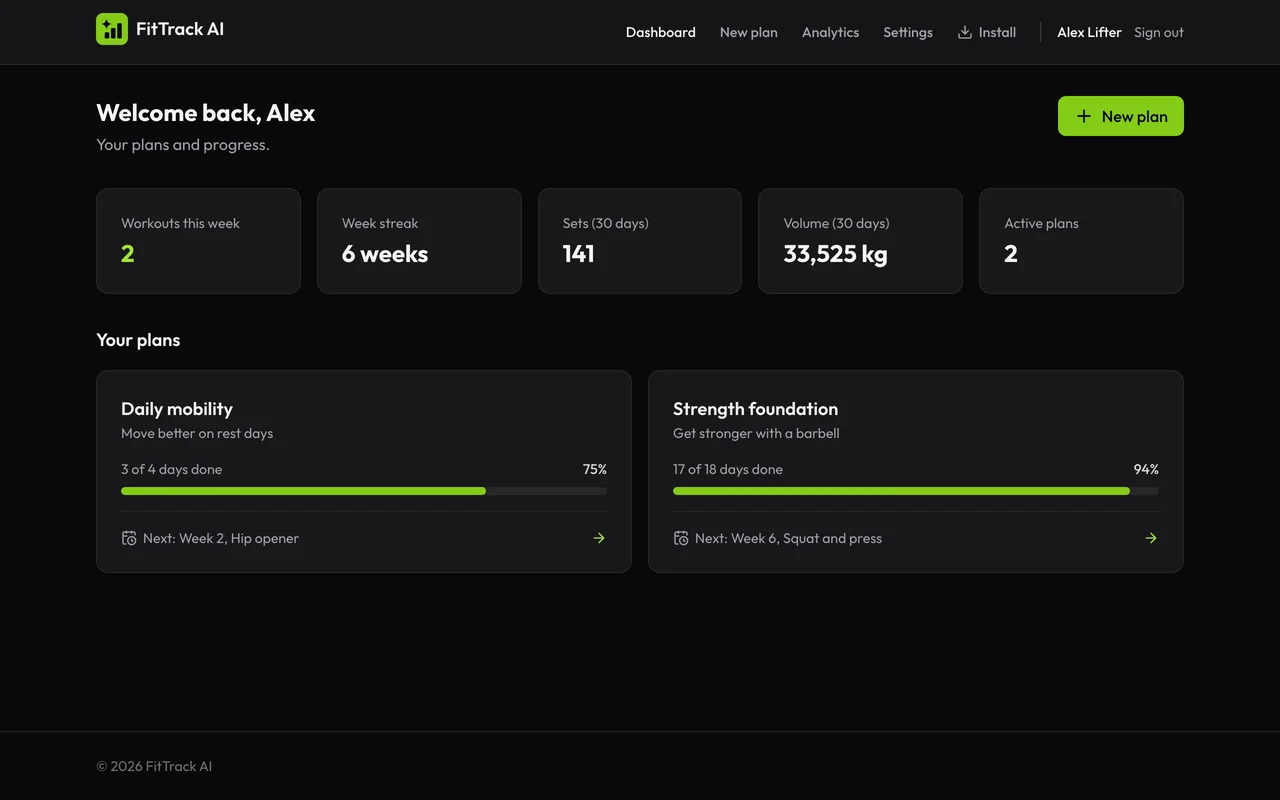
Plan
Describe your goal. The AI writes the plan.
Type what you want in plain words. The AI asks only for what is missing, and you answer with one tap.
- Bodyweight, weights or both, with the equipment you have
- Choose days per week, weeks and session length
- Add the exercises you like, or let the AI choose
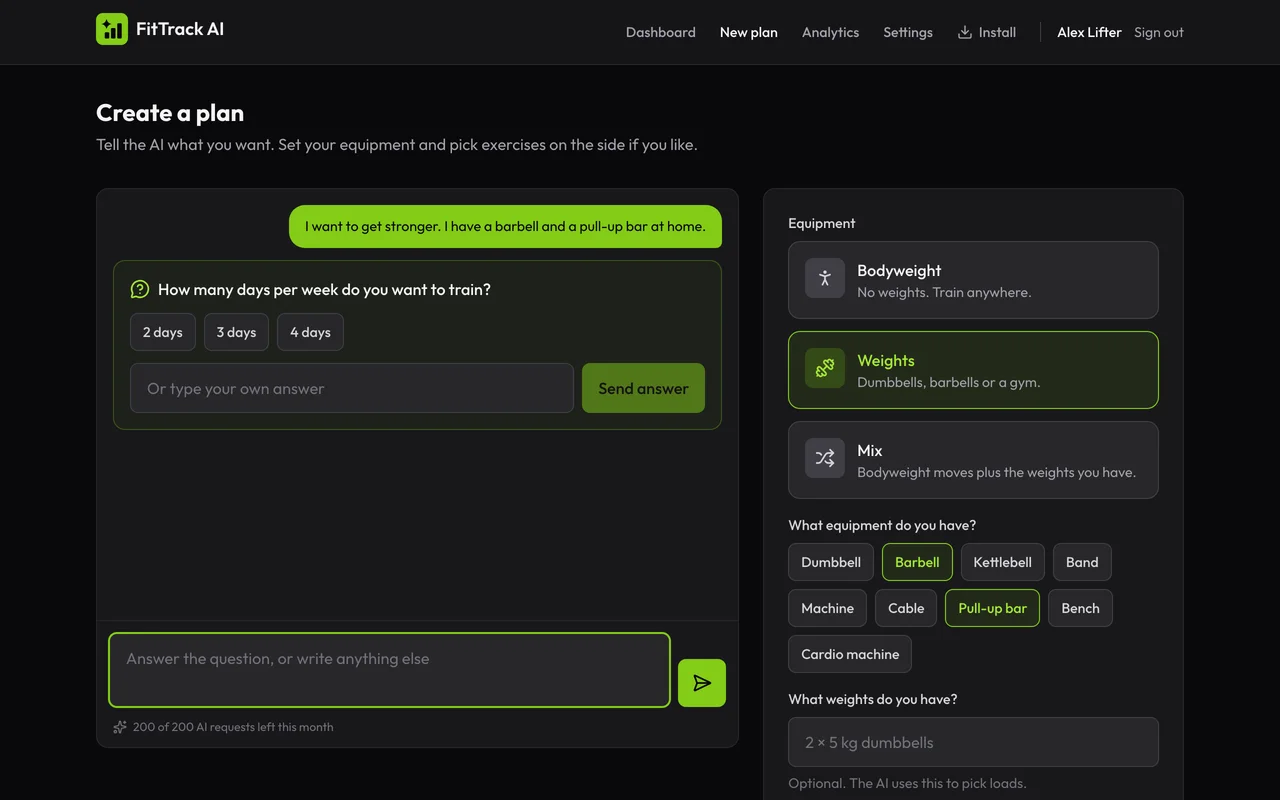
Log
Log every set with one tap.
Open today's workout and check off each set. Change reps or weight when the day goes better than planned.
- A rest timer starts after each set and keeps the screen on
- Works on your phone, also when you install it on the home screen
- Weights in kg or lb
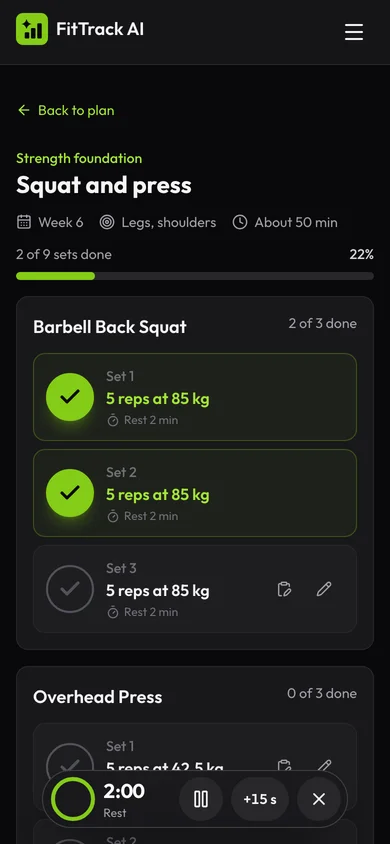
Adapt
Change the plan in a sentence.
Tell the AI what to change: less time, a sore knee, a new exercise. It rewrites the days ahead and keeps the days you did.
- Training days grouped by week, with your progress
- Done days stay locked, so your history stays correct
- Review the changes before you save them
Improve
See your progress. Ask your coach.
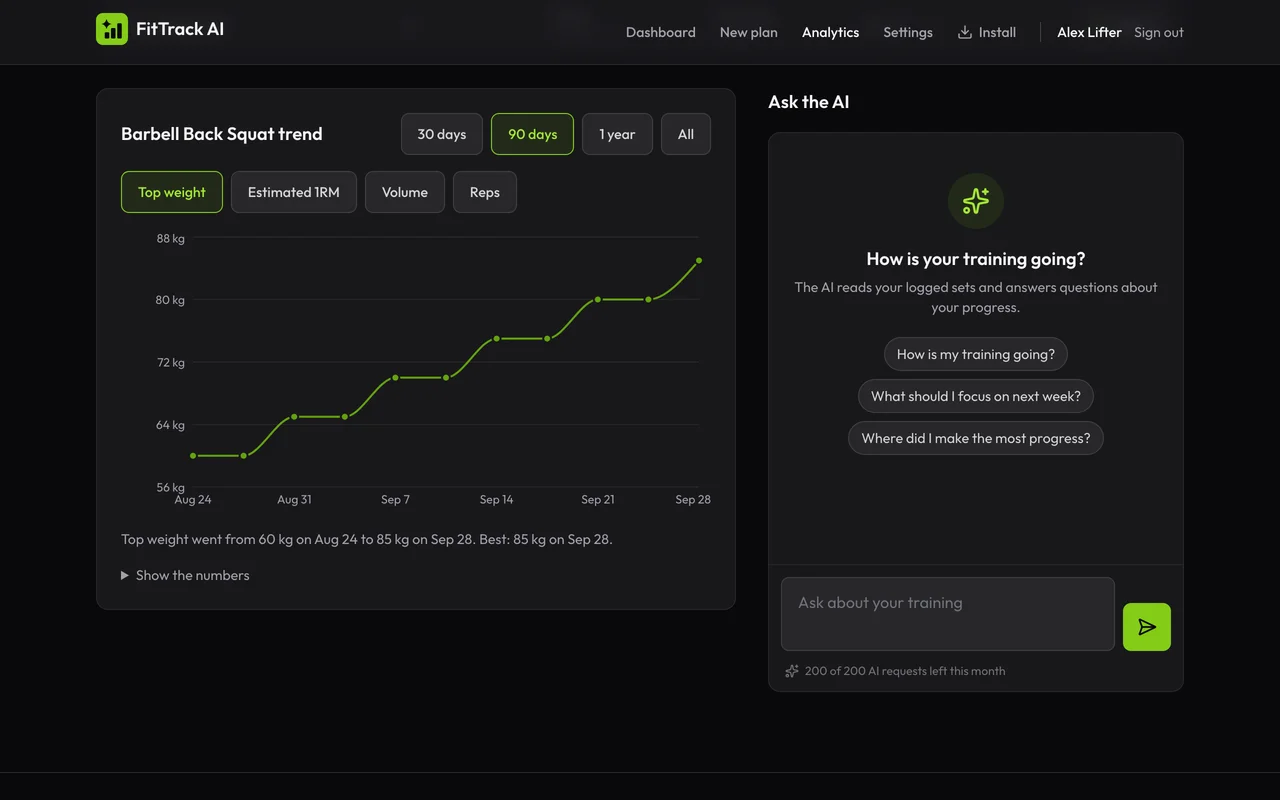
Volume, sets and estimated one-rep max for each exercise. Ask the AI coach what your numbers mean and what to do next.
- Trend chart for each exercise over time
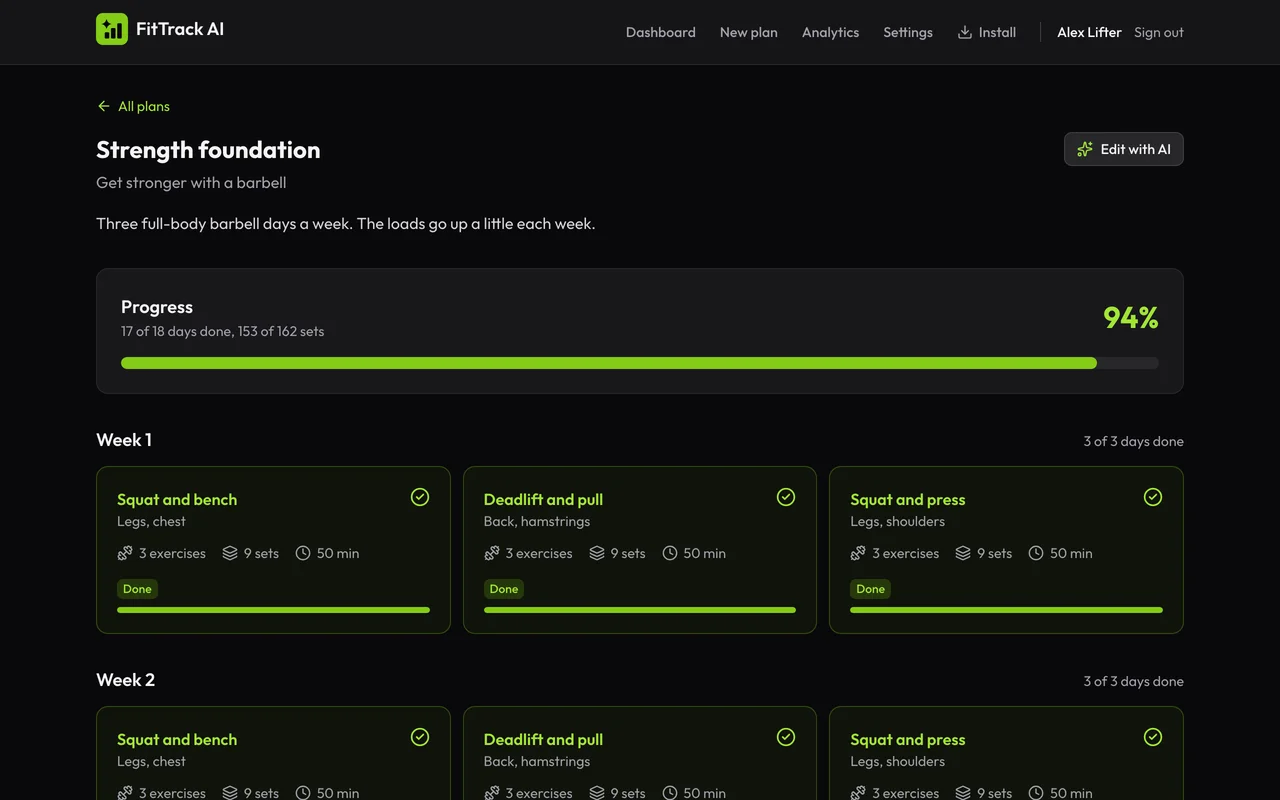
- Streak and weekly workouts on the dashboard
- Ask the AI about any exercise
From goal to progress in three steps
- 1
Describe your goal
Tell the AI what you want to reach in a few words.
- 2
Train and log
Follow the plan day by day and check off each set.
- 3
Improve with your coach
Track your trends and change the plan when you need to.
Use it like an app
Add FitTrack AI to your home screen. It opens full screen, with no app store needed.
Start your first plan today
Create an account and tell the AI your goal. Your plan is ready in about a minute.
Get started free